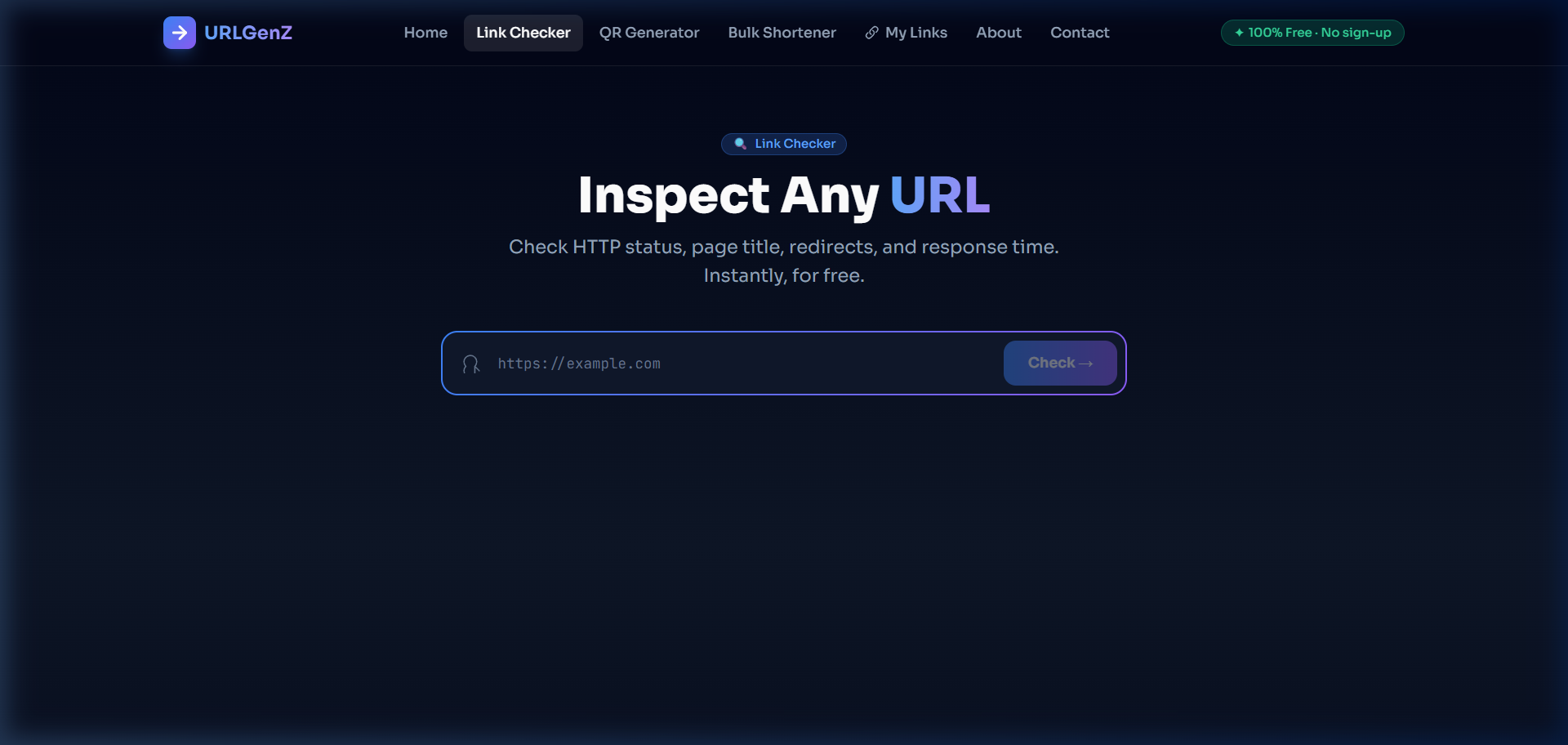
Why You Need a Link Checker
Every day we receive links via email, social media, chat apps, and QR codes. Most are fine — but some redirect to phishing pages, malware, or simply broken 404 errors. The URLGenZ Link Checker gives you full transparency into any URL in seconds.
How to Use the Link Checker
- Go to urlgenz.site/tools/check
- Paste any URL into the input field
- Click Check →
- Instantly see a full diagnostic report
What the Link Checker Reveals
HTTP Status Code
See whether a URL returns 200 OK, 301 Redirect, 403 Forbidden, 404 Not Found, or 500 Server Error — color-coded for instant readability.
Response Time
Find out exactly how fast (or slow) the server responds in milliseconds. Useful for spotting unreliable or overloaded sites.
Page Title
Read the actual <title> tag of the destination page — so you know exactly what site you're landing on before you click.
Redirect Detection
Know if the URL silently redirects you somewhere else. The tool shows both the original link and the final destination URL, highlighted in blue.
Safety Check
A green shield means the URL is reachable and doesn't use suspicious redirect patterns. A red warning flags potential issues.
Common Use Cases
- Verifying short links — Check where a bit.ly or t.co link actually leads before opening it
- Debugging broken pages — Find 404s and 500s on your own site or client sites
- Email safety — Paste a suspicious email link to see if it redirects to a phishing page
- SEO audits — Verify redirect chains and final destination URLs for your own domain
- Affiliate link checking — Confirm affiliate links are live and pointing to the right product page
Reading the Results
| Badge Color | What it means |
|---|---|
| 🟢 Green — ✓ 200 OK | URL is live, reachable, and returned a success response |
| 🟡 Yellow — ↪ 3xx Redirect | URL redirects to another page — final URL is shown below |
| 🔴 Red — ✕ 4xx / 5xx | URL is broken, forbidden, or the server has an error |
| ⚫ Unreachable | The domain could not be reached — possibly offline or blocked |
No Account, No Limits
The URLGenZ Link Checker is 100% free and works without any sign-up. Use it as many times as you need. There's also a Check another URL button right in the results panel to quickly inspect multiple links in a row.