Why Bulk URL Shortening?
Marketers, social media managers, newsletter writers, and developers often work with lists of long URLs. Processing them one-by-one is slow and error-prone. The URLGenZ Bulk URL Shortener handles entire batches at once — saving you time and keeping your workflow efficient.
How to Shorten URLs in Bulk
- Visit urlgenz.site/tools/bulk
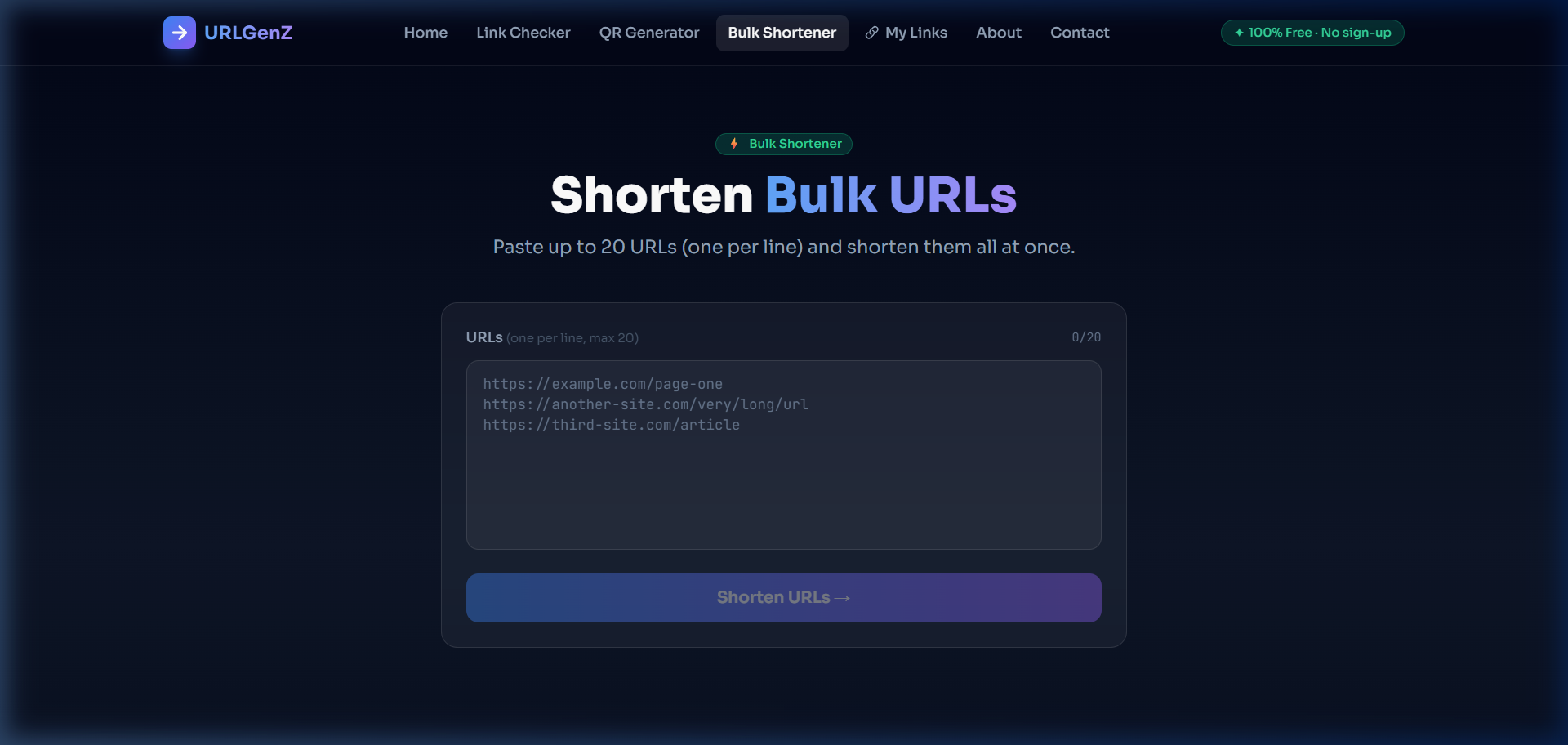
- Paste your URLs into the text box — one URL per line, up to 20 at a time
- The counter in the top-right shows how many URLs you've added (e.g. 12/20)
- Click Shorten [N] URLs →
- All links are processed in parallel — results appear instantly
Bulk Shortener Features
Parallel Processing
All 20 URLs are shortened simultaneously — not one by one. The whole batch completes in roughly the same time as shortening a single URL.
Copy All Links
Once results are in, click 'Copy all short URLs' to copy all successful links to your clipboard, newline-separated — ready to paste into a spreadsheet or email.
Copy Individual Links
Each result row has its own Copy button so you can grab specific links from the batch without copying everything.
Error Reporting
If any URL fails (invalid format, blocked domain, etc.), it's marked with a red error message. Successful and failed links are counted separately in the summary.
Saved to My Links
All successfully shortened URLs are automatically saved to your local My Links history — accessible later even after you close the tab.
Reading the Results Panel
After shortening, you see a results card with:
- A green badge showing how many links were shortened (e.g. ✓ 15 shortened)
- A red badge showing how many failed (e.g. ✕ 2 failed)
- The original URL (greyed out, monospace) above each short link
- The clickable short URL (urlgenz.site/r/…) with a Copy button on the right
Who Uses Bulk Shortening?
Newsletter Editors
Clean up all affiliate and CTA links in one pass before sending
Social Media Managers
Prepare a week's worth of campaign links at once
Marketers
Process UTM-tagged links from a spreadsheet into short, shareable URLs
Developers
Quickly shorten a batch of API docs, staging links, or demo URLs
⚡ Quick Tip
The counter at the top right of the textarea shows your URL count in real time (e.g. 8/20). It turns red if you exceed 20 URLs, preventing the button from being clickable until you remove some.
Free, With No Login Required
The Bulk Shortener is completely free for all users, including guests. No sign-up, no API key, no rate-limit dialog. Just paste and shorten.